"Outlook alternatives" is really two different questions, and most articles only answer one.
The first question is about your daily inbox. The New Outlook feels heavy, the legacy Outlook is being retired, and you want a cleaner email client that handles your personal Gmail and your work Microsoft 365 in the same window without any issues.
The fix is a better email client.
The second question is about outbound campaigns. Cold emails sent from Microsoft 365 mailboxes are getting throttled, bouncing, or landing in spam folders you have no visibility into.
The fix is purpose-built cold email infrastructure, not a redesigned inbox.
These need different tools, so this guide covers both.
Five daily-use email clients (Neo Mail, Zoho Mail, Apple Mail, Spark, Thunderbird, Spike) and five cold email infrastructure tools (Infraforge, Mailforge, Primeforge, Maildoso, Zapmail), with annual pricing, verified G2 and Trustpilot ratings, and a decision guide that routes you to the right answer based on what you're actually trying to fix.
TL;DR
For cold email outreach
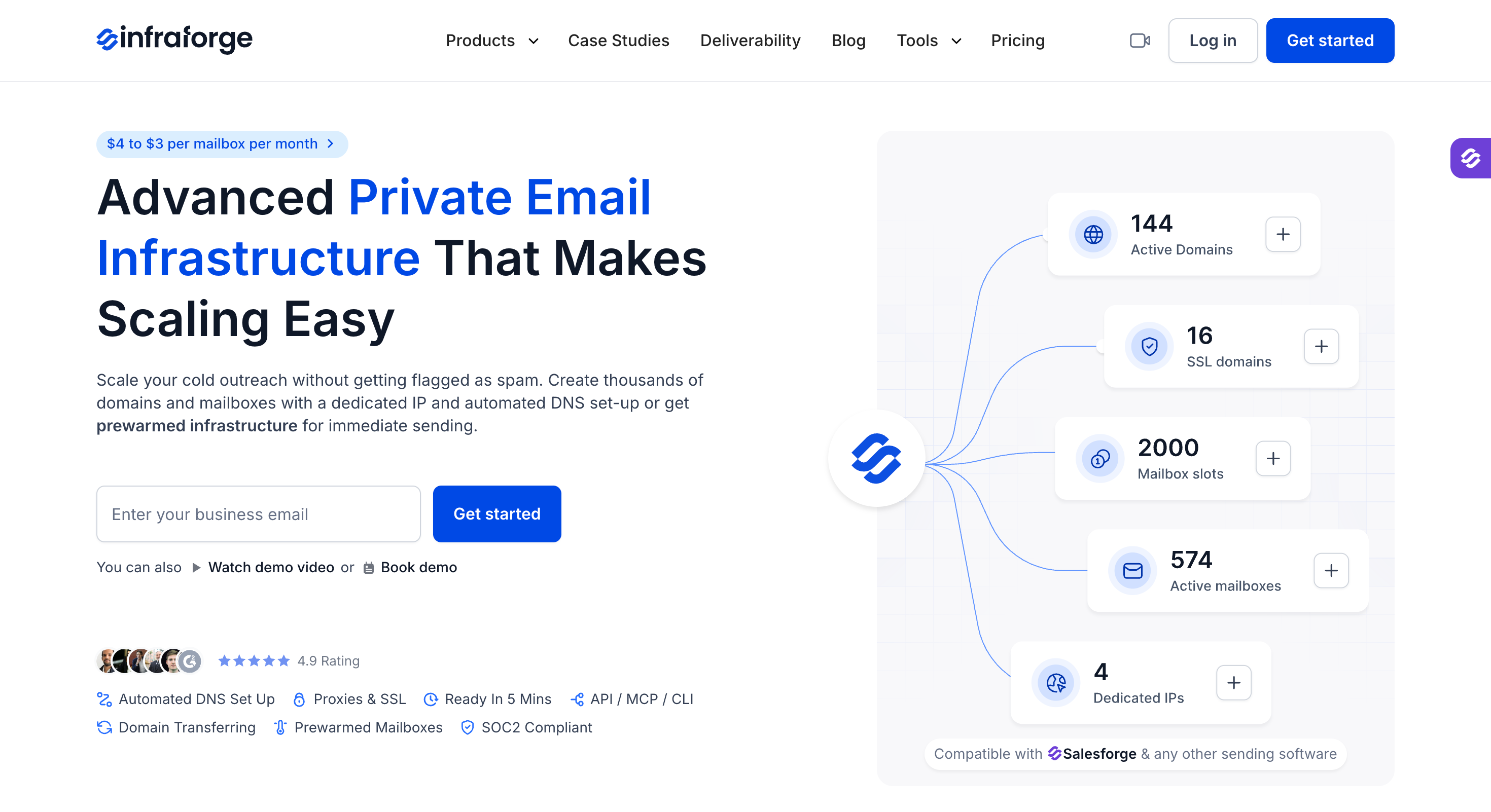
Infraforge: Best overall for cold email senders moving off Outlook. Private dedicated IP infrastructure with automated DNS, pre-warmed mailboxes, multi-IP provisioning, and 5-minute setup. G2 4.8/5 from 51 reviews. From $4/mailbox/month (billed annually, 2 months free). Includes MCP CLI and smooth integration with outreach tools.
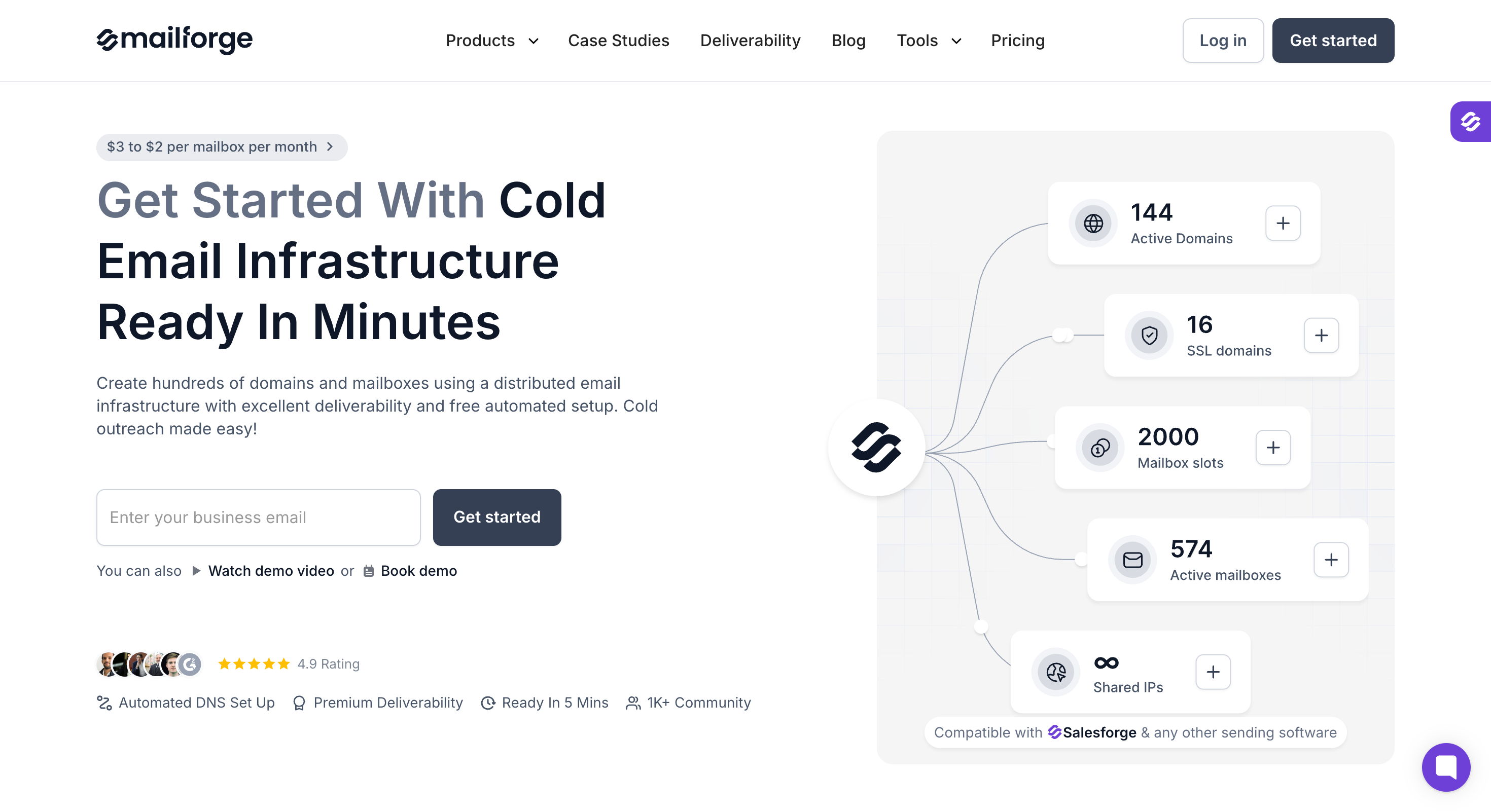
Mailforge: Best for cost-effective shared IP scaling. Distributed cold email infrastructure with automated SPF, DKIM, DMARC and 5-minute provisioning. G2 4.7/5 from 81 reviews. From $3/mailbox/month (billed annually, 2 months free). Features MCP CLI and smooth integration with outreach tools.
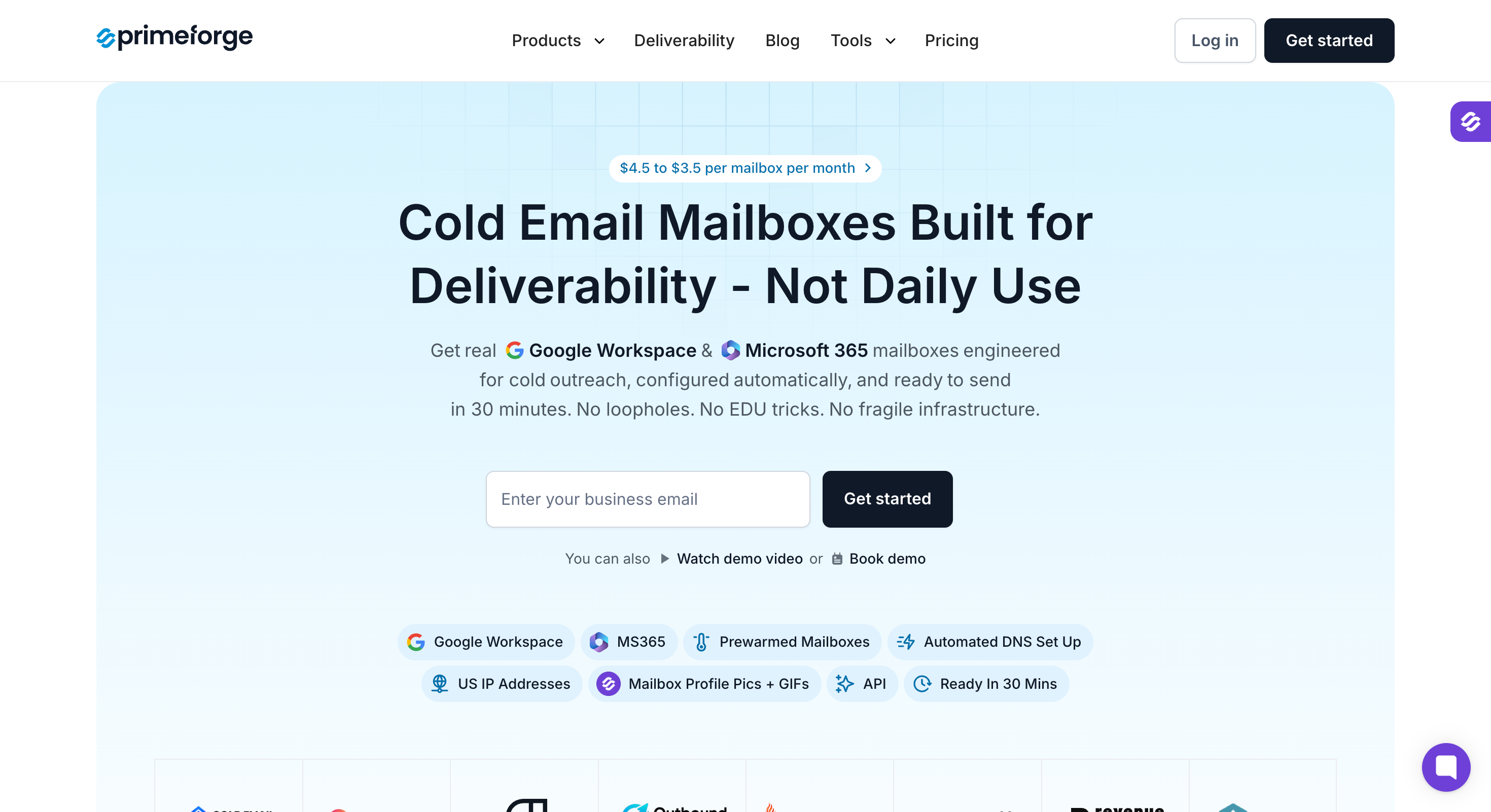
Primeforge: Best for real Google Workspace pre-warmed mailboxes built for cold outreach (with Microsoft 365 also supported). ESP matching on IPs. From $4.50/mailbox/month (billed annually, 2 months free). Supports MCP CLI and offers smooth integration with outreach tools.
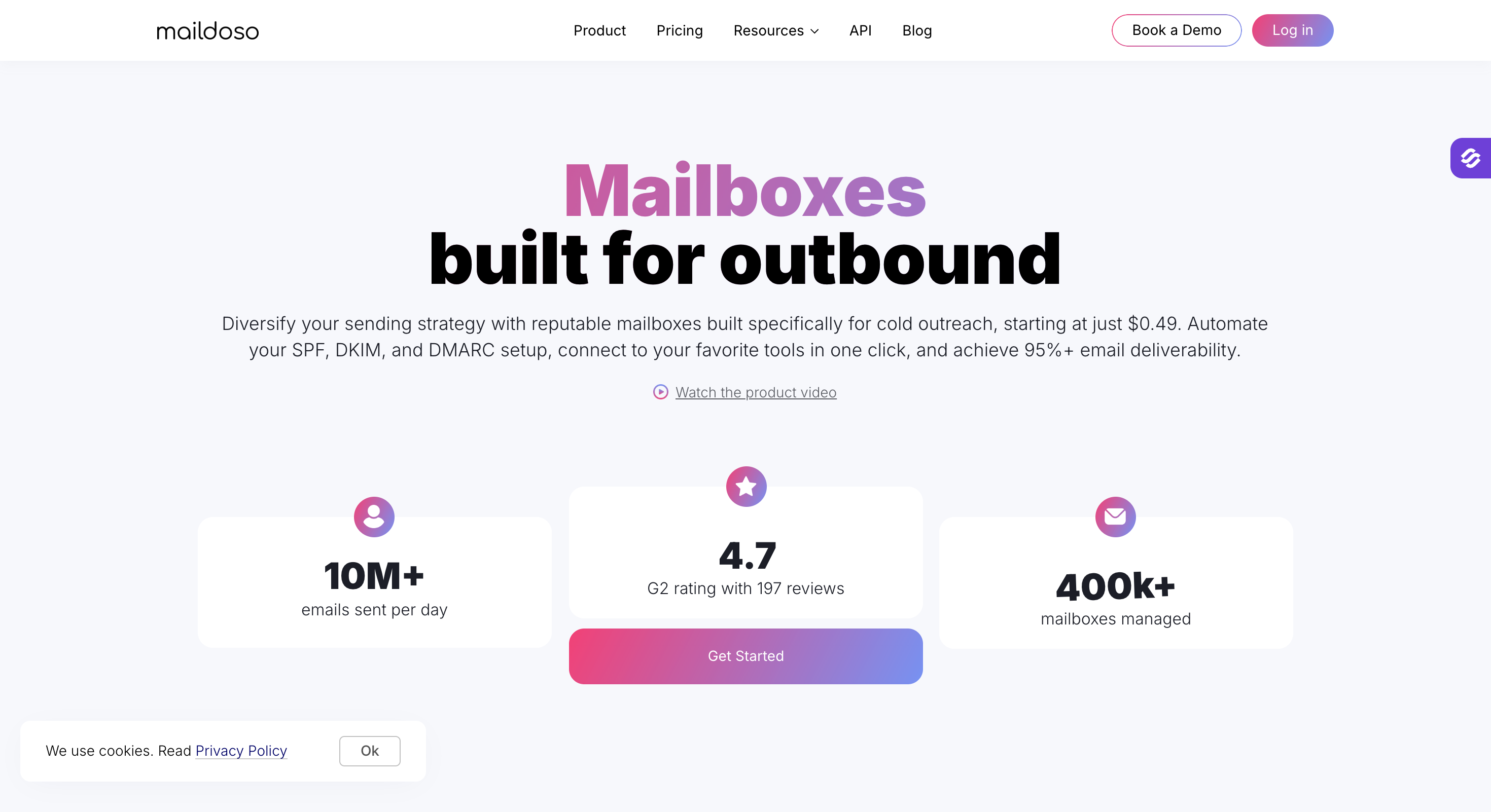
Maildoso: Best for budget bundles with domains included. Shared SMTP and Google Workspace combo with self-healing mailboxes. G2 4.6/5 from ~150 reviews. From $2.50/mailbox/month at scale (billed quarterly).
Zapmail: Best for high-volume Google Workspace at smaller scale. Workspace-level isolation, pre-warmed accounts. Trustpilot 4.5/5 from 38+ reviews. From $39/month for 10 mailboxes (Year 1 introductory pricing; renewal pricing applies after year one).
For daily email use
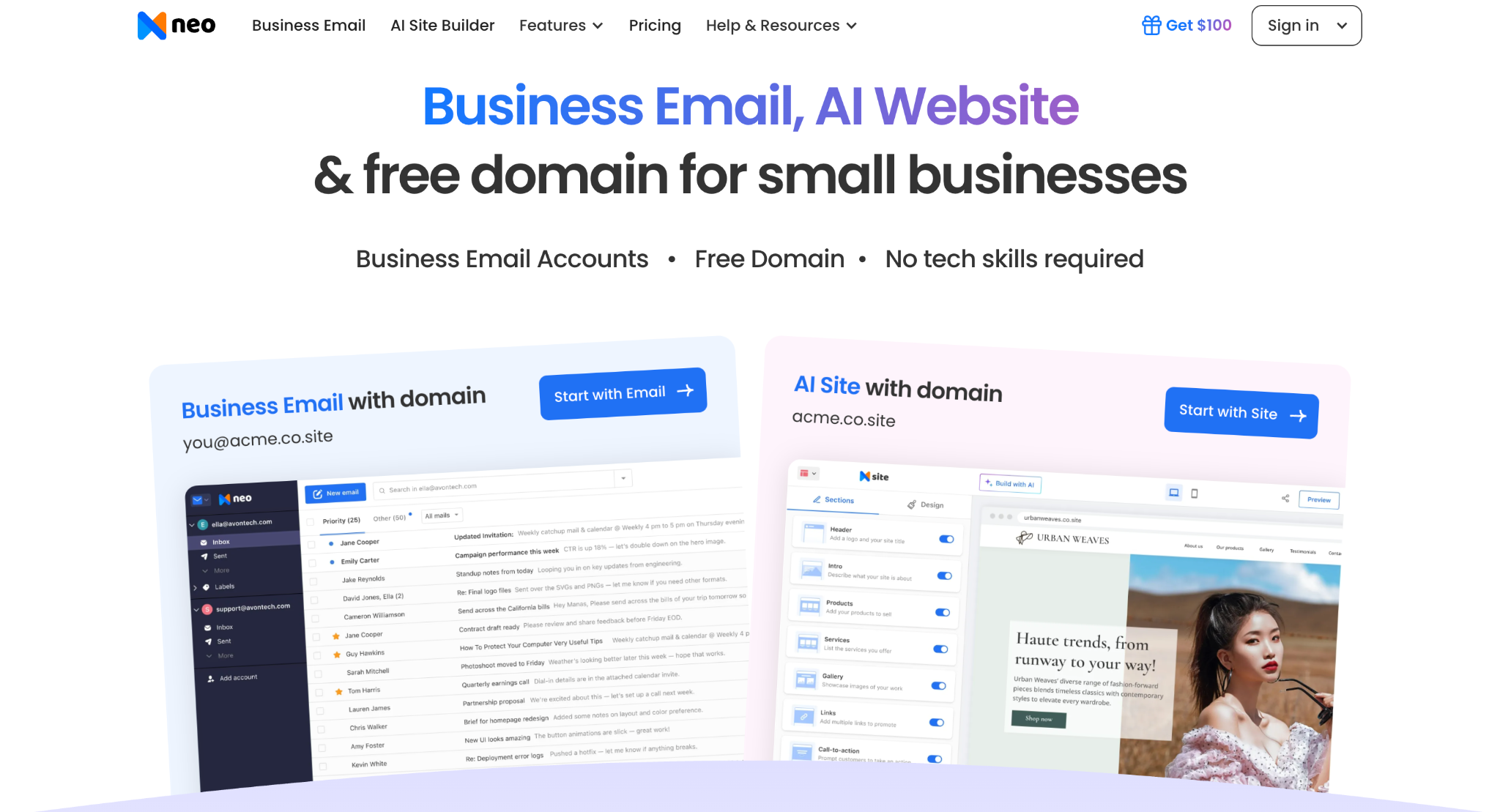
Neo Mail: Best for small businesses that want custom domain business email with AI tools and customer-facing features in one place. Neo Mail also lets users create business email without a domain by starting with a domain included through an eligible plan. It includes an AI email writer, email summaries, read receipts, drive, email backup, and mobile apps. Current public pricing starts at $2.49 per mailbox per month and $1.99 (when billed annually).
Zoho Mail: Best for small businesses wanting custom-domain email without paying Google or Microsoft prices. Free tier for 5 users, Mail Lite from $1/user/month (billed annually).
Apple Mail: Best free option for Apple users. Tight macOS and iOS integration, Mail Privacy Protection blocks tracking pixels, Apple Intelligence summaries on supported devices. Free with macOS and iOS.
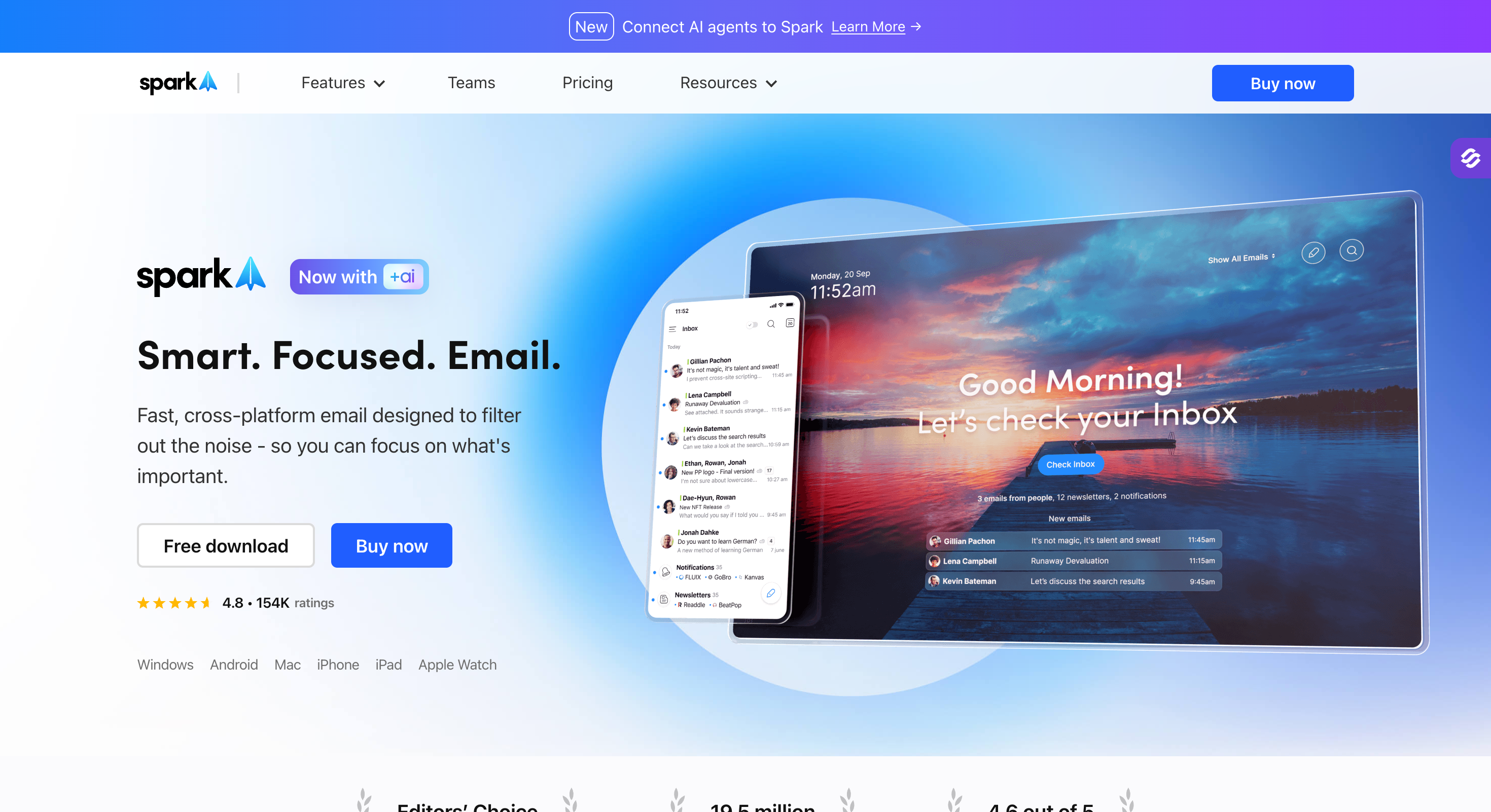
Spark: Best AI-assisted client for cross-platform teams. Smart Inbox, AI Compose, shared drafts. Free tier available; Premium Personal $4.99/month (billed annually), Premium Teams $6.99/user/month (billed annually).
Thunderbird: Best free open-source desktop client. Mozilla-stewarded, unlimited accounts, OpenPGP encryption, no data harvesting. Free with optional donations.
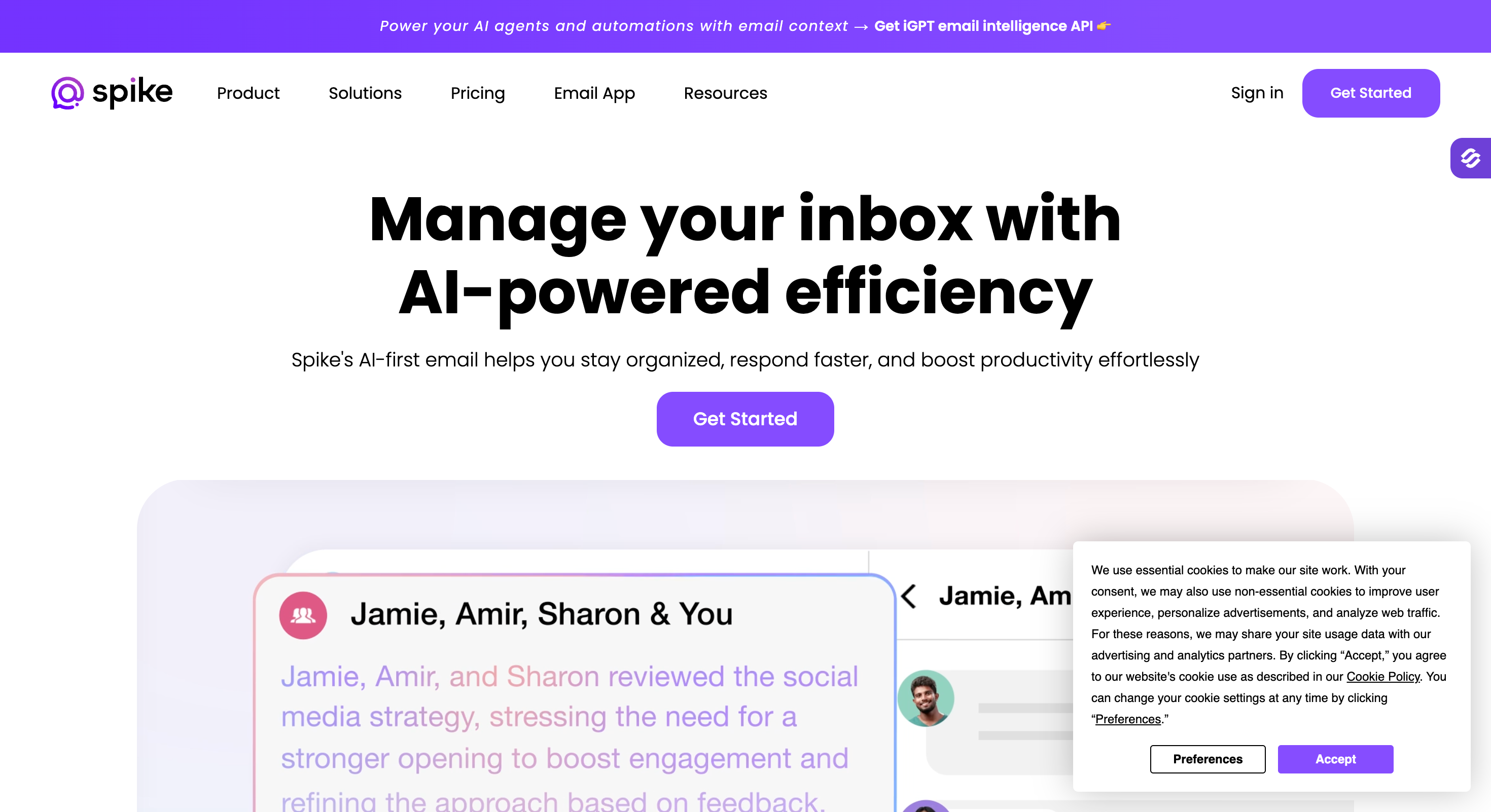
Spike: Best chat-style inbox for conversational email. Groups messages by sender, built-in video calls and notes. Free tier; Pro $5/user/month, Business $10/user/month.
What are the Limitations of Outlook?
Outlook is a capable email client, but it has a few drawbacks worth knowing before you commit a team to it. Cost is the biggest one. As of July 2026, Microsoft 365 runs from $7 per user per month for Business Basic to $22 for Business Premium, with Standard at $14. Both Basic and Standard rose on July 1, 2026, so older budgets are already out of date.
The product is also heavy. A team that only needs email and a calendar still pays for features it never opens, and new hires need real time to get fluent.
Reliability is the complaint I hear most. Outlook can crash, stall, or throw send and receive errors with no warning, and search breaks the moment the index corrupts. The move to New Outlook made this worse, since it dropped features people relied on, like local file path hyperlinks and some search folder setups.
Compliance is the last gap, and an expensive one to find late. Smaller Microsoft 365 plans often need extra licensing for retention, legal hold, and ediscovery, so regulated teams pay more than the sticker price suggests.
What to Look for in an Outlook Alternative?
The right pick depends on what your team actually does every day, not on how many features a tool lists. I've changed email setups enough times to trust a short checklist over a spec sheet.
Here's what I check before moving anyone off Outlook:
Protocol and provider support: The easiest switches connect straight to your existing mailbox instead of making you import files. Check that the tool supports your Microsoft 365, Gmail, or custom-domain account over IMAP, POP3, or Exchange. New Outlook still can't handle on-prem or hybrid Exchange.
Platform support: The client should work everywhere your team does. Confirm it covers Windows, macOS, Linux, iOS, Android, and web, which matters more when people move between desktop and phone.
Security and encryption: Weak logins and no encryption are a real risk if you handle sensitive data. Look for TLS, PGP, and S/MIME, plus account protection like MFA and conditional access.
Admin controls and compliance: Leaving Microsoft often means losing the retention and ediscovery built into E3 and E5. Plan how you'll meet HIPAA, FINRA, GDPR, or SEC 17a-4 rules, including retention, audit logs, and legal hold.
Migration effort: Some clients move your setup for you, others make you redo it by hand. Check what transfers on its own: contacts, calendars, rules, categories, and shared mailboxes.
Total cost of ownership: A low starting price climbs once storage caps and add-ons kick in. See whether the features you actually need sit behind a higher plan or a paid add-on.
One thing worth flagging from experience. Daily inbox quality and cold email deliverability are two different problems. A better email client fixes the first. It won't fix the second, that's an infrastructure job.
Outlook Alternatives for Cold Email Outreach
If your problem is throttling, bouncing, or spam folder placement on cold campaigns sent from Microsoft 365 mailboxes.
If your issue is throttling, bouncing, or ending up in spam folders when sending cold emails from Microsoft 365 accounts, switching to a new inbox won’t help. What you really need is infrastructure built specifically for outbound email.
This involves dedicated or distributed shared IPs, automated SPF, DKIM, and DMARC, sender rotation, smart sending limits, and visibility into placement metrics that a normal email account doesn't expose.
The five tools below are purpose-built for that work.
Feature Comparison: 6 Cold Email Outlook Alternatives at a Glance
Placement tests every 3 days, health scores per mailbox
No native monitoring or inbox placement testing
MCP CLI
Available
Available
Not available
Available
Not available
Not available
G2 rating
4.9/5 from 65 reviews
4.8/5 from 90 reviews
N/A
4.6/5 from 45 reviews
4.5/5 from 160 reviews
4.4/5 from 40 reviews
1. Infraforge: Best Overall for Cold Email Senders Moving Off Outlook
Infraforge is private cold email infrastructure built for agencies and high-volume senders.
It provides dedicated IPs (one of the few providers that does), automated SPF, DKIM, and DMARC across every domain, sender rotation, smart sending limits, and bulk DNS updates so you can manage hundreds of domains without logging into each one.
What sets it apart from the rest of this list is the IP type. Maildoso and Zapmail use shared or resold infrastructure where your reputation depends partly on what other tenants on the same IP are sending.
Infraforge gives you your own IPs, which means your sender reputation is yours alone to build or break.
For teams running outbound at any scale that values control, this is the obvious upgrade from Microsoft 365.
Core Infraforge Features for Outlook Replacers
Dedicated IPs: Private IPs allocated per workspace, with multi-IP options for high-volume teams. Sender reputation is fully isolated from other Infraforge customers.
Automated DNS setup: SPF, DKIM, and DMARC configured automatically on every domain at provisioning. No manual DNS work.
Prewarmed mailboxes: Available for teams that want to start sending immediately rather than waiting through a 2-4 week warm-up cycle.
Bulk DNS updates: Change DNS records across hundreds of domains in one operation, which saves hours for agencies managing client infrastructure.
Sender rotation and smart sending limits: Built-in distribution of sending load across mailboxes, IPs, and domains, with automated throttling to protect deliverability.
5-minute setup: Thousands of domains and mailboxes provisioned in minutes, with the option to bring your own domains or buy through Infraforge ($14/.com/year).
Forge Stack integration: Works under one login with Warmforge (warm-up, separate subscription), Mailforge (shared infrastructure for non-dedicated workloads), and Salesforge (sequencer, separate subscription).
MCP CLI: Command-line interface available for advanced scripting and automation of mailbox and domain management.
Infraforge Pros and Cons
✅ Pros
❌ Cons
Dedicated IPs are rare in this price range and matter at scale
Higher entry price than Mailforge's shared IP model
Automated DNS configuration eliminates the most error-prone step
Best ROI shows up above 25–50 mailboxes
Bulk DNS updates save hours for agencies
Free Warmforge integration removes one line item from the stack
5-minute provisioning matches the fastest providers on the market
Private IP allocation, IP-level reputation isolation
Domains
$14/.com/year
Bulk provisioning, bulk DNS updates
SSL
$6/domain/year
Optional per-domain SSL
Masterbox
$7/workspace/month
Reply inbox routing across multiple workspaces
What Infraforge Users Say
G2 rating: 4.8/5 from 51 reviews.
"Infraforge has been a turning point for our outreach operations. The platform's simplicity and flexibility are what immediately set it apart. Within minutes, I was able to scale our infrastructure for clients without juggling multiple tools." Rahul Lakhaney, Director of Operations
"The way Infraforge handles deliverability and IP allocation is unmatched. I get a clear view of how each domain is performing, and the platform's smart routing keeps reputation stable." Anton L, Cold Email Operator
"Compared to the patchwork of providers we used before, Infraforge feels like a clean, reliable foundation. Domains scale, mailboxes activate fast, and the dashboard makes it easy to oversee everything in one place." Silver L, Agency Lead
2. Mailforge: Best for Cost-Effective Shared IP Scaling
Mailforge is the budget-friendly sibling in the Forge Stack.
Same automated DNS, same 5-minute provisioning, same Forge Stack integrations, but on a distributed shared IP pool instead of dedicated IPs.
The result is the lowest unit cost on the market for teams comfortable running their own warm-up and monitoring.
It's the right choice when budget is the constraint and you're operationally experienced enough to handle the trade-offs of shared infrastructure: occasional reputation variance from other tenants, a need to layer your own warm-up tool, and slightly more attention to placement monitoring.
Core Mailforge Features for Outlook Replacers
Shared IP distributed infrastructure: Distributed across multiple IPs and providers for cost-effective scaling. Lowest per-mailbox cost in the Forge Stack.
Automated SPF, DKIM, DMARC: Same provisioning workflow as Infraforge, configured on every domain.
Hundreds of domains and mailboxes at scale: Bulk provisioning with the same 5-minute time-to-active.
Expert customer support: Hands-on deliverability help from the team that built the infrastructure.
Inbox hosting and maintenance: Fully managed, no server work on your end.
Mailbox Calculator: Online tool to estimate how many mailboxes you need based on daily sending volume.
Forge Stack integration: One login across Mailforge, Warmforge, Salesforge, and the rest of the stack.
MCP CLI: Command-line interface available for advanced scripting and automation of mailbox and domain management.
Mailforge Pros and Cons
✅ Pros
❌ Cons
Lowest unit cost on the market at $3/mailbox/month
Shared IP pool means your reputation is partly tied to other tenants
Same 5-minute setup as Infraforge
Less suitable for teams without their own deliverability playbook
Free Forge Stack integration with Warmforge for warm-up
Strong G2 rating (4.7/5 from 81 reviews) suggests real user satisfaction
"Setting up cold email infrastructure used to take days of DNS work and back-and-forth with my hosting provider. Mailforge did it in under 10 minutes. I had 50 mailboxes live before lunch." Antonio Černeli, Cold Email Operator
"The pricing is what got me to try Mailforge, but the support is what kept me. The team actually understands deliverability. They've helped me debug placement issues that nobody else could explain." Karlo Binda, Agency Operator
"I run a small agency and Mailforge handles the infrastructure layer cleanly. I don't think about DNS anymore. I just connect the mailboxes to my sequencer and run campaigns." Kostas Zhukov, Agency Lead
3. Primeforge: Best for Real Google Workspace and Microsoft 365 Mailboxes Built for Cold Outreach
Primeforge solves a specific problem: teams that want the deliverability advantage of real Google Workspace or Microsoft 365 mailboxes for cold outreach, without the EDU loopholes or fragile workarounds some competitors use.
These are legitimate, license-backed accounts pre-configured with automated DNS, US IP addresses, mailbox profile pictures and GIFs, ready to send in 30 minutes.
It's the right answer when your campaigns specifically need a Google Workspace or Microsoft 365 sender (because filters trust mail from inside their own ecosystems), and you want pre-configured deliverability infrastructure on top of that legitimacy.
Core Primeforge Features for Outlook Replacers
Real Google Workspace mailboxes: Legitimate paid Google licenses, not EDU tricks or loopholes. Filters treat them as mainstream mail because that's what they are.
Real Microsoft 365 mailboxes: Compliant M365 mailboxes purpose-built for cold outreach.
Prewarmed mailboxes. Mailboxes come prewarmed to enable immediate sending without delay.
Automated DNS setup: SPF, DKIM, DMARC auto-configured at provisioning.
Mailbox profile pictures and GIFs: Personalized mailbox identities ready out of the box, which lifts trust signals slightly compared to identity-less mailboxes.
30-minute ready: From signup to first send in half an hour, including warm-up start.
Inbox hosting and maintenance: Fully managed, no server work.
MCP CLI: Command-line interface available for advanced scripting and automation of mailbox and domain management.
Primeforge Pros and Cons
✅ Pros
❌ Cons
Real Google Workspace and M365 mailboxes, not EDU loopholes
Higher per-mailbox cost than shared SMTP options
US IPs and automated DNS at provisioning
Setup is slightly slower than Mailforge or Infraforge
Mailbox identities (profile pics, GIFs) ready out of the box
Strong deliverability for B2C-leaning campaigns where personal inbox placement matters
Real Google Workspace or Microsoft 365 mailboxes, automated DNS, US IPs
Domains
$14/.com/year
Bulk provisioning
What Primeforge Users Say
Verified G2 listing with reviews on the platform.
"Primeforge gave us real Google Workspace mailboxes that just work. We tried EDU tricks before, and they collapsed every 3-4 months when Google updated its policies. Primeforge has been stable for over a year now." Verified G2 reviewer
"The 30-minute setup time is real. We needed to spin up Microsoft 365 mailboxes for a campaign starting Monday. We signed up Friday morning and had 20 inboxes ready by lunch." Verified G2 reviewer
5. Maildoso: Best for Budget Bundles with Domains Included
Maildoso is the budget-first option on this list.
Pricing starts around $2.50 per mailbox at scale on quarterly plans, with domains included free on those plans (8 domains free on the 32-mailbox quarterly plan, more at higher tiers).
It runs a shared SMTP rotating IP pool plus optional Google Workspace mailboxes, automated SPF, DKIM, DMARC, and inbox placement tests every 3 days.
However, the downsides are worth knowing before you commit. The shared IP pool means your reputation depends partly on other Maildoso customers. There's no Microsoft 365 option (Google Workspace only).
For small experiments and budget-constrained operations, the price is right. For revenue-critical operations, the variance can hurt.
Core Maildoso Features for Outlook Replacers
Shared SMTP rotating IP pool: Sending happens across multiple Maildoso-owned IPs with automatic IP replacement when one stops working.
Google Workspace combo plans: Optional Google Workspace mailboxes alongside the proprietary SMTP product, isolated one workspace per domain.
Automated SPF, DKIM, DMARC: Configured per domain at provisioning.
Self-healing mailboxes: Burned mailboxes pause for 14 days to recover, then return to rotation automatically.
Inbox placement tests every 3 days: Per-mailbox health scores visible in the dashboard.
Domains included on quarterly plans: 8 free on the 32-mailbox plan, more at higher volumes.
Master inbox: Centralized reply forwarding from all sending domains into one destination.
Maildoso Pros and Cons
✅ Pros
❌ Cons
Cheapest at scale ($1.80/mailbox on the 400-mailbox quarterly plan)
Shared IP pool means reputation depends on other tenants
Domains included free on quarterly plans (8+ included)
No Microsoft 365 option, Google Workspace and SMTP only
November 2025 SURBL blacklisting incident affected hundreds of customers
Automated DNS and 3-day placement testing
No free trial; 30-day money-back on monthly plans only
Strong G2 rating (4.6/5 from ~150 reviews)
Email-only support with 24–48 hour response times
Maildoso Pricing
Plan
Price
Includes
Monthly Starter
$75/month for 30 mailboxes (~$2.50/mailbox)
SMTP mailboxes, automated DNS, placement testing
Quarterly (32 mailboxes)
$299/quarter (~$3.10/mailbox)
32 mailboxes, 8 domains free, billed every 3 months
Quarterly (400 mailboxes)
$2,199/quarter (~$1.80/mailbox)
400 mailboxes, multiple free domains, billed every 3 months
Domains
$12/year (free on quarterly plans)
Per domain
Note: Maildoso prices are quarterly, not annual. Where this article uses the "(billed annually)" convention for vendors that offer annual plans, the same notation does not apply to Maildoso. Pricing here reflects the live quarterly structure.
What Maildoso Users Say
G2 rating: 4.6/5 from approximately 150 reviews.
"Maildoso's per-inbox pricing is unbeatable at scale. We run 200 inboxes for a fraction of what dedicated providers charge. The trade-off is shared infrastructure, which means we monitor placement ourselves and don't expect zero variance." G2 reviewer
6. Zapmail: Best for Pre-Warmed Google Workspace and Microsoft 365 at Smaller Scale
Zapmail is a cold email infrastructure provider that resells Google Workspace and Microsoft 365 mailboxes with workspace-level isolation (one domain per workspace), automated DNS setup, OAuth integrations, and pre-warmed accounts that ship with 2-3 weeks of warm-up history.
Trustpilot gives it 4.5/5 from 38+ reviews and G2 has 6 reviews averaging 4.3/5.
One thing that is worth knowing is that Zapmail's pricing has a Year 2 renewal that isn't on the main pricing page.
The Starter plan renews at $59/month with $6 per additional mailbox, and the Growth plan renews at $169/month with $5.50 per additional mailbox, per Zapmail's own help center documentation.
It's not a deal-breaker. But worth knowing before you commit.
Core Zapmail Features for Outlook Replacers
Real Google Workspace and Microsoft 365 mailboxes: Pre-warmed accounts with 2-3 weeks of warm-up history.
Workspace-level isolation: One domain per workspace, which contains reputation damage if a single domain gets burned.
Automated DNS setup: SPF, DKIM, DMARC configured per workspace at provisioning.
AI mailbox name generator: Auto-creates professional-looking email addresses.
OAuth integrations: Direct connections to 5+ outreach tools (Smartlead, Instantly, Salesforge, others) without sharing SMTP credentials.
10-minute onboarding: Mailboxes fully configured within 10 minutes.
US-hosted infrastructure: Mailboxes route through US Google data centers per Zapmail's founder.
Zapmail Pros and Cons
✅ Pros
❌ Cons
Pre-warmed accounts let you start campaigns within days
Year 2 renewal pricing significantly higher than Year 1, and not on the main pricing page
Real Google Workspace and M365 (not proprietary SMTP)
M365 mailbox disconnections reported on r/coldemail
India-based reseller billing flagged in Reddit threads (acknowledged by founder)
Trustpilot 4.5/5 from 38+ reviews
No native deliverability monitoring or inbox placement testing
OAuth integrations remove credential sharing risk
Only 5 sequencer integrations
Zapmail Pricing
Plan
Year 1 Price
Year 2 Renewal
Includes
Starter
$39/month for 10 mailboxes
$59/month + $6/extra mailbox
Google Workspace mailboxes, automated DNS, OAuth
Growth
$99/month for 30 mailboxes
$169/month + $5.50/extra mailbox
Standard support, $3.25/extra mailbox Year 1
Pro
$299/month for 100 mailboxes
Renewal pricing applies
Priority support, API access, $3.00/extra mailbox Year 1
Annual billing
2 months free
(Year 1 only)
Brings Year 1 effective rate to $2.50/mailbox at scale
Domains
$15/year
Flat
Per domain
Pre-warmed add-on
$6-$8/inbox
Flat
12 weeks of warm-up history
What Zapmail Users Say
Trustpilot rating: 4.5/5 from 38+ reviews.
"Outstanding support team. They actually understand cold email and respond within a few hours. Setup was a 10-minute affair and our first campaigns launched the same day." Trustpilot reviewer
"Pre-warmed mailboxes are the difference. We needed inboxes that could send Monday morning, and Zapmail had them ready Friday afternoon." Trustpilot reviewer
"The workspace isolation model is exactly what we needed. One bad campaign doesn't burn our entire setup, because each domain sits in its own workspace." Trustpilot reviewer
Outlook Alternatives for Daily Email Use
If your problem is daily inbox quality (not deliverability), the answer is a different email client.
Feature
Neo Mail
Zoho Mail
Apple Mail
Spark
Thunderbird
Spike
Best for
Small businesses and freelancers wanting business email without a domain, with built-in AI and client communication tools
Freelancers, SMBs, and agencies that want custom domain email at the lowest price
Apple only users with moderate volume who value privacy and simplicity
Cross platform teams that want AI help without Superhuman pricing
Privacy focused and Linux users, plus power users with many accounts
High volume users who prefer a chat style inbox with built in collaboration
Entry pricing
From $1.99 per mailbox per month, when billed annually
Free tier, paid from $1 per user per month for Lite to $4 per user per month for Premium, billed annually
Free with macOS, iOS, iPadOS, and watchOS
Free tier, Premium Personal $4.99 per month, Teams $6.99 per user per month, billed annually
Free and open source, funded by donations
Free tier, Pro $5 per user per month, Business $10 per user per month
Platforms
Web, iOS, and Android, with POP and IMAP support for third-party email apps
Web and mobile, with IMAP, POP, and ActiveSync on paid plans
macOS, iOS, iPadOS, and watchOS only
Mac, iOS, Android, and Windows, with no Linux app
Windows, macOS, Linux, and Android, with no iOS app
Mac, iOS, Android, Windows, and web
Free tier
No permanent free plan; limited-time free trial available
Yes, 5 users with 5 GB each in select regions, with no ads
Yes, fully free with no paid upgrade
Yes, Smart Inbox and unified inbox with a basic AI quota
Yes, fully free with unlimited accounts
Yes, 1 account with 60 day search and 1 GB storage
AI and standout feature
AI email writer and email summaries, plus read receipts, follow-up reminders, appointment booking, email templates, and custom domain email
Zia AI assistant, plus built in calendar, contacts, and tasks
Apple Intelligence summaries on supported devices, plus Mail Privacy Protection
AI Compose that learns your writing style, plus Smart Inbox sorting
No AI, but OpenPGP and S/MIME encryption are built in
Chat style inbox by sender, Spike Magic AI, plus built in video and tasks
The five tools below cover that.
1. Neo Mail: Best for Small Businesses Wanting Business Email Without a Domain
Neo Mail keeps things straightforward. You can connect a domain you already own or start with an included free domain option. It also lets you get a business email without a domain. Beyond the inbox, it gives small teams useful tools for writing emails, following up with leads, booking meetings, and building a professional online presence.
It combines custom domain business email with a built-in calendar, web and mobile apps, an AI email writer, email summaries, read receipts, follow-up reminders, email templates, appointment booking, and simple email campaigns. This makes it a practical Outlook alternative for smaller teams that want everyday email and customer communication tools in one place.
Key Features
Custom domain email for individuals and small teams
Free AI website builder
Webmail with native apps for iOS and Android both
POP and IMAP support for third-party email applications
AI email writing and email thread summaries
Read receipts and follow-up reminders
Business email without a domain option
Smart Write and AI Summary
One-click import of existing emails and contacts
Two-factor authentication, encryption, antivirus, and spam protection
24/7 customer support
Pros and Cons
✅ Pros
❌ Cons
More affordable than Microsoft 365
No permanent free plan
Includes AI tools, read receipts, and booking
Does not include Word, Excel, or Teams
Works on web, iOS, Android, and other email apps
No native desktop app
Easy migration with 24/7 support
Not built for high-volume cold email
Pricing
Plan
Price
Includes
Business Starter
$2.49 per mailbox per month
15 GB storage; best for individuals and small businesses needing branded email
Business Standard
$4.99 per mailbox per month
50 GB storage; best for growing teams that need more storage and productivity features
Business Max
$9.99 per mailbox per month
100 GB storage; best for businesses needing the highest storage and usage limits
Best for: Small businesses, freelancers, consultants, and entrepreneurs that want professional custom domain email with built-in AI and client communication tools.
Skip if: You need the complete Microsoft 365 suite or dedicated infrastructure for high-volume cold email campaigns.
2. Zoho Mail: Best for Small Businesses Wanting Custom-Domain Email at $1/User
Zoho Mail is custom-domain business email at a fraction of Google Workspace or Microsoft 365 prices.
It’s one of the more modern email client choices here rather than a traditional desktop email client, and it’s especially practical for business users who want inbox, calendar, and task management in one suite.
The free tier covers 5 users with 5GB each (in select regions), no ads, no email scanning.
Paid plans start at $1/user/month for Mail Lite (which adds IMAP, POP, ActiveSync, and the Zia AI assistant) and $4/user/month for Mail Premium (which adds S/MIME, eDiscovery, and 50GB storage), making it a credible Outlook replacement for daily inbox use.
Key Features
Real custom-domain business email at $1-$4/user/month (billed annually), making it a good fit for business users who want low-cost hosted email plus built-in task management
ISO 27001, SOC 2 Type II, GDPR compliance
Built-in calendar, contacts, tasks, notes, and bookmarks, with solid calendar functionality for everyday scheduling
Supports appointment management alongside mail and workspace tools
Lets teams view and manage contact details directly in the app
Zia AI assistant on paid plans
Migration tools from Outlook, Gmail, and other providers
Two-factor authentication on every account
Pricing (Billed Annually)
Plan
Price
Best for
Free
$0
5 users, 5GB each, web/mobile only (no IMAP/POP)
Mail Lite
$1/user/month
IMAP, POP, ActiveSync, Zia AI, built-in calendar functionality for appointments, plus contacts with stored contact details, 5-10GB storage
Mail Premium
$4/user/month
S/MIME, eDiscovery, email retention, 50GB storage
Workplace Standard
$3/user/month
Mail + docs + storage + meetings; simpler than Microsoft 365 pricing, where Business Basic is the lower-cost web-first tier, while business premium is the plan that adds the desktop version and more advanced admin and security tools
Pros and Cons
✅ Pros
❌ Cons
85% cheaper than Google Workspace or Microsoft 365
The free version has no IMAP/POP, web/mobile only
Free tier in select regions for 5 users
Storage is lower on entry tiers (5-10GB vs 30GB Google Workspace)
Real business email with custom domain and many of the same features teams expect from Outlook
Interface is less polished than Gmail or Outlook
Strong compliance (SOC 2 Type II, ISO 27001)
Best fit assumes some Zoho ecosystem use
Zoho’s entry pricing is also lower than Microsoft 365: Outlook pricing starts at ₹174 per user/month for Business Basic and rises on higher tiers such as Business Premium that include the desktop version.
What Real Users Say (G2)
Verified G2 reviewer:
"The standout feature for me is that it allows startups to obtain a professional email address at no cost. I also appreciate the automatic email handling and the ability to have multiple users included in the free plan." G2 reviewer, small business segment
Best for: Freelancers, SMBs, agencies wanting professional email at the lowest possible price.
Skip if: Your team depends heavily on Google Docs/Sheets or specific Microsoft 365 features.
3. Apple Mail: Best Free Option for Apple Users
Apple Mail ships free with macOS, iOS, iPadOS, and watchOS.
It connects to Gmail, Outlook (via IMAP or Exchange), Yahoo, iCloud, and any IMAP or POP3 account, with unified inbox across all of them.
No subscription, no migration cost, no extra software to install.
The 2026 version is properly competitive. iOS 18 introduced categorical inbox sorting (Primary, Transactions, Updates, Promotions) similar to Gmail's tabs but working across all accounts. Mail Privacy Protection blocks tracking pixels and hides your IP from senders by default.
Apple Intelligence summaries and writing suggestions work on Apple Silicon devices.
Key Features
Free with macOS and iOS, no subscription
Mail Privacy Protection (since iOS 15) blocks tracking pixels and hides IP
Apple Intelligence summaries on Apple Silicon (M1+ Macs, iPhone 15 Pro+)
Handoff between Mac and iPhone for in-progress drafts, with strong Apple system integration across Mac, iPhone, and iPad
Connects to Gmail, Outlook, Yahoo, iCloud Mail, IMAP, POP3, and an exchange account; many users still rely on Google Calendar as a reliable web-based standard for scheduling, so Apple Mail fits best when your mail workflow is Apple-first even if calendar syncing or calendar invites happen elsewhere
Pricing
Free with macOS, iOS, iPadOS, and watchOS. No tiered plans, no premium upgrade.
Search is improved but still trails Gmail on relevance
Apple Intelligence works on-device (no data sent to cloud)
Rules are capable but require manual setup
Best for: Apple ecosystem users with moderate email volume (under 50/day) who value privacy and "just works" simplicity.
Skip if: You work across Windows or Android, need advanced AI organization, or process high email volume.
4. Spark: Best AI-Assisted Client for Cross-Platform Teams
Spark is an email client from Readdle (the Ukrainian company behind PDF Expert and Scanner Pro).
It stands out for a modern interface, useful app integrations, and advanced features that go beyond basic inbox management.
It runs on Mac, iOS, Android, and Windows, with a Smart Inbox that auto-categorizes mail into Personal, Notifications, and Newsletters, plus AI Compose that drafts replies in your writing style, thread summaries, and shared drafts for team collaboration.
Spark+ AI launched in 2024, with deeper generative drafting and shared-inbox AI suggestions in 2025.
Pricing is one of the most affordable in the AI email space at $4.99/month for Premium Personal (billed annually) versus Superhuman at $30/month. One tradeoff is that Apple Mail is not an option for Windows users.
Key Features
Smart Inbox auto-categorization across Personal, Notifications, Newsletters, plus a unified inbox for multiple email accounts if you need to manage multiple accounts in one place
AI Compose with "My Writing Style" learning from your sent mail
Shared drafts and team collaboration on Premium Teams, with a modern interface that also appeals to teams that value app integrations alongside email and collaboration
Group by Sender, mute conversations, scheduled sends; paid tiers add advanced features like follow up reminders and link tracking
Gatekeeper (blocks first-time senders until you approve)
Available on Mac, iOS, Android, Windows (no Linux)
Pricing
Plan
Annual price
Monthly price
Includes
Free
$0
$0
Smart Inbox, unified inbox, basic AI quota
Premium Personal
$4.99/month (billed annually, $59.99/year)
$7.99/month
Unlimited AI, Gatekeeper, all individual features
Premium Teams
$6.99/user/month (billed annually, $83.88/year per user)
$9.99/user/month
Shared inboxes, shared drafts, team features
7-day free trial of Premium plans, no credit card required.
Pros and Cons
✅ Pros
❌ Cons
Generous free tier with Smart Inbox and unified inbox
Server-side email processing (privacy trade-off)
AI features at a fraction of Superhuman's price, while Superhuman is designed for speed with keyboard shortcuts and Spark appeals to most users with broader collaboration features
Free tier limits AI quota to 10% warnings
4.6 stars on App Store from 3,200+ reviews
No Linux support
My Writing Style learns from your sent mail for accurate drafts
Sync issues between devices reported on Reddit
What Real Users Say
Review from the Apple App Store (verified):
"It just feels more smoother and responsive compared to other emailing services including Gmail! I 100% recommend Spark ESPECIALLY if you are in college. God does this app make schooling a lot easier." App Store reviewer (college student segment)
Best for: Cross-platform freelancers and small teams who want AI assistance without paying Superhuman prices.
Skip if: You need on-device email processing (privacy purist) or you're a Linux user.
5. Thunderbird: Best Free Open-Source Desktop Client
Thunderbird is the free, open-source email client maintained by MZLA Technologies (a wholly-owned Mozilla Foundation subsidiary).
It supports Windows, macOS, Linux, and Android, with unlimited email accounts, a unified inbox, integrated calendar, contacts, tasks, OpenPGP and S/MIME encryption, and a large add-on ecosystem.
Development is active: v149 shipped in March 2026 with monthly releases since the Supernova interface modernization in v115. Mozilla announced "Thunderbird Pro" optional paid cloud services in the 2026 roadmap (email hosting, scheduling links, secure file transfer), but the core client stays free.
Key Features
Completely free, open-source, donation-funded by Mozilla Foundation, and a strong free alternative to Outlook
Windows, macOS, Linux, Android (no iOS; iOS users default to Apple Mail), with solid support for multiple email providers
You can add multiple email accounts, including flexible support for imap accounts, and Thunderbird handles multiple email accounts without artificial limits
Supports POP, common Exchange protocols and standards, and direct sync with the mail server, though some Microsoft-specific workflows still lag Outlook
OpenPGP and S/MIME end-to-end encryption built in
Integrated calendar, contacts, tasks, RSS, chat (IRC/XMPP/Matrix)
Local data storage (no mandatory cloud), open standards (MBOX, Maildir, ICS)
Large add-on ecosystem (themes, productivity tools, custom behaviors)
No ads, no data harvesting, no AI training on private mail
Pricing
Free. Donations support development. No premium tier in 2026 (Thunderbird Pro on roadmap, optional and separate).
Pros and Cons
✅ Pros
❌ Cons
Free with no ad model or data monetization
Interface is less modern than Spark or Canary Mail
Open source (MPL-2.0) with active monthly development
iOS not supported (Apple Mail is the iOS path)
Strong privacy: local data, no AI training, no tracking
Add-on configuration has a learning curve
OpenPGP and S/MIME built in
Native Exchange ActiveSync still on 2026 roadmap
Unlimited accounts, no per-user pricing
Setup is less hand-holding than commercial alternatives
What Real Users Say (G2)
"Thunderbird is super stable. I have been using the different versions over the years (more than a decade) and I never had a crash. One can easily create folders and subfolders. It's very convenient when you run a company with several projects and different emails per project. The active filters are a wonder." G2 reviewer, IT segment
Best for: Privacy-focused users, Linux users, power users with multiple accounts, and anyone who wants email without a subscription.
Skip if: You need a modern AI-heavy UX or iOS support.
6. Spike: Best Chat-Style Inbox for Conversational Email
Spike turns email into a chat-style interface, grouping messages by sender like iMessage or WhatsApp instead of threading them by subject.
It works on top of your existing email accounts (Gmail, Outlook, iCloud, IMAP) and adds team chat, video calls, notes, and tasks in a single workspace.
The chat-first design is polarizing. Heavy email users either love how it cuts inbox time or find it too informal for professional contexts. Spike has 4.4-4.5 stars across G2 and Capterra from 45+ reviews, with reviewers consistently praising the time savings and unified inbox for multiple accounts.
Key Features
Chat-style conversations: messages grouped by sender instead of standard thread views
Works with Gmail, Outlook, iCloud, any IMAP, making it a strong Outlook alternative for users who dislike traditional multiple inboxes and want one collaborative workspace
Built-in video and audio calls
Real-time team chat with @mentions and shared drafts, with higher-tier team plans aimed at collaborative use
Spike Magic AI: summaries, drafts, smart replies
Notes and task management for lightweight planning alongside email
Custom email domain (free for 1 year on annual Team plans)
Free for students and educators with valid .edu email.
Pros and Cons
✅ Pros
❌ Cons
Chat-style interface saves time for high-message-volume users
Chat-first design feels too informal for some contexts
Built-in video, audio, notes, and tasks in one workspace
Free tier limits search to 60 days and storage to 1GB
Strong G2/Capterra ratings (4.4-4.5)
Sync issues and offline limitations reported
Free for students and educators
Limited third-party integrations vs Gmail/Outlook ecosystem
What real users say
G2 review (verified live):
"I've been using Spike for a few months to manage both my work Gmail and personal Outlook accounts, and it's honestly one of the most refreshing email upgrades I've tried. Spike's ability to group everything by person, similar to WhatsApp or iMessage, eliminates the chaos of inbox with endless threading and makes conversations feel like one clean chat thread." G2 reviewer
Best for: High-volume conversational email users who want chat-style UX and built-in collaboration.
Skip if: You work offline often, need deep third-party integrations, or prefer traditional threaded email.
Which Outlook Alternative Is Right for You?
The decision isn't really about which tool is "best." It's about which problem you're actually trying to fix.
For daily inbox use
You run a small business and want a business email with built-in business tools: Neo Mail combines custom domain email with AI writing, email summaries, read receipts, drive, email backup, and mobile access. It is a practical choice when you need more than a basic inbox but do not need the complete Microsoft 365 ecosystem.
You're a freelancer or SMB wanting cheap professional email: Start with Zoho Mail Free (5 users, 5GB each) or Mail Lite at $1/user/month. The savings versus Google Workspace ($7/user/month) or Microsoft 365 Business Basic ($6/user/month) compound fast.
You're an Apple-only user with moderate email volume: Stay with Apple Mail. The iOS 18 categorical inbox, Mail Privacy Protection, and Apple Intelligence on Apple Silicon cover most of what you'd pay for elsewhere.
You want AI-assisted email across Mac, iOS, Android, and Windows:Spark delivers Smart Inbox, AI Compose, and shared drafts at $4.99/month (billed annually). Skip if Linux is in your stack.
You want a free, privacy-first desktop client with no subscription:Thunderbird because it's open source, no ads, OpenPGP built in, runs everywhere except iOS.
You're a high-volume conversational email user who works in chat-style apps:Spike turns email into chat threads grouped by sender. Best for users who live in DMs and prefer informal communication.
For cold email outreach
You're an agency or high-volume team running 25+ mailboxes: Use Infraforge. Dedicated IPs, automated DNS, sender rotation, and bulk DNS updates are the difference between predictable deliverability and reputation roulette. Annual pricing keeps unit cost competitive while giving you control.
You're a cost-conscious sender with deliverability experience:Mailforge at $3/mailbox/month (billed annually) is the cheapest mature option. Pair with Warmforge for free standalone warm-up and you have a working stack at the lowest cost on the market.
You specifically need real Google Workspace or Microsoft 365 mailboxes: Primeforge. Real licenses, US IPs, ready in 30 minutes. The legitimacy advantage matters when targeting Gmail or M365 recipients.
You're a budget-first solo sender running short experiments:Maildoso quarterly plans bundle domains and are the cheapest at scale. Accept the shared infrastructure variance and SURBL-incident risk in exchange for the savings.
You want pre-warmed Google Workspace at small scale:Zapmail Starter at $39/month Year 1 ships pre-warmed accounts. Read the Year 2 renewal pricing before committing past month 12.
Final Verdict
Two reader groups end up at this article through the same Google query, and they need fundamentally different answers.
If your problem is a heavy daily inbox, the cheapest practical pick is Apple Mail or Thunderbird, free and capable. For small businesses that also need hosted custom domain email, Neo Mail adds AI writing, email summaries, read receipts, and more built-in features starting at $1.99 per mailbox per month when billed annually. Zoho Mail covers small businesses at $1/user/month (billed annually).
If your problem is cold email throttling and spam folder placement on Microsoft 365, none of those daily-use tools will fix it. You need infrastructure designed for outbound, and that's where Infraforge sits.
Dedicated IPs, automated DNS, sender rotation, smart sending limits, and 5-minute setup at $4/mailbox/month (billed annually, 2 months free). For 25-mailbox setups, that runs $100/month versus Microsoft's $312.50 for the same headcount, with a tenth of the account-suspension risk.
There isn't one. There are two. For daily inbox use, Apple Mail (free, Apple ecosystem) and Thunderbird (free, cross-platform) are the strongest free picks, with Spark and Spike adding AI features for $5-$10/user/month, and for small businesses, Neo Mail offers custom domain email with built-in tools for $1.99 per month when billed annually. For cold email outreach, Infraforge is the strongest choice with dedicated IPs at $4/mailbox/month (billed annually).
2) _What's the best free Outlook alternative?
For Apple users, Apple Mail (built into macOS and iOS) is the best free pick. For Windows, Linux, or Android users, Thunderbird is the strongest free option. Zoho Mail's free tier covers small teams (5 users, 5GB each) needing custom-domain business email at zero cost.
3) What's the best Outlook alternative for cold email outreach?
Infraforge is the best overall pick for cold email senders moving off Microsoft 365. It provides dedicated IPs, automated SPF, DKIM, and DMARC, sender rotation, and bulk DNS updates at $4/mailbox/month (billed annually, 2 months free). Mailforge is the lowest-cost alternative at $3/mailbox/month on shared IPs.
4) What's the best Outlook alternative for Mac?
Apple Mail is the strongest free pick for Mac users (tight macOS integration, iCloud sync, Mail Privacy Protection). Neo Mail can be used through webmail or connected to Apple Mail on Mac. Spark adds AI Compose and shared drafts at $4.99/month (billed annually). Thunderbird is the free open-source option that works across Mac, Windows, and Linux if cross-platform matters.
5) Can I use Microsoft Outlook for cold email campaigns?
You can, but you shouldn't. Microsoft 365 mailboxes are designed for daily business email, not bulk outbound. Sending cold campaigns from a standard M365 license triggers throttling, deliverability drops, and account suspensions. The fix is purpose-built cold email infrastructure like Infraforge, Mailforge, Primeforge, Maildoso, or Zapmail, with each tool designed for sustained outbound volume.
6) How much does it cost to replace 25 Microsoft 365 licenses with Infraforge?
Twenty-five M365 Business Standard licenses cost $312.50 per month (billed annually, $12.50/license/month). Twenty-five Infraforge mailboxes cost $100/month (billed annually, $4/mailbox/month). That's $2,550/year in savings before factoring in the deliverability advantage of dedicated IPs designed for cold outreach.
7) What's the difference between Mailforge and Infraforge?
Mailforge uses a distributed shared IP pool at $3/mailbox/month (billed annually) and is the lowest-cost option for cost-conscious senders comfortable running their own warm-up and monitoring. Infraforge uses private dedicated IPs at $4/mailbox/month (billed annually), which gives you full control over sender reputation and is the better fit for agencies and high-volume teams. Warmforge (free standalone tier, paid tiers separately) handles warm-up for both.
8) Are Zapmail's pre-warmed mailboxes worth the extra cost?
For teams that need to send Monday morning and signed up Friday afternoon, yes. The 2-3 weeks of warm-up history skips the typical waiting period before sending at volume. Read the Year 2 renewal pricing on Zapmail's help center before committing past month 12, since Starter renews at $59/month + $6/extra mailbox and Growth renews at $169/month + $5.50/extra mailbox after the first year.
9) Can I use an Outlook alternative with my existing email account?
Yes, most Outlook alternatives connect to your current mailbox instead of replacing it. Clients like Apple Mail, Thunderbird, Spark, and Spike sit on top of Gmail, Outlook, iCloud, and any IMAP or POP3 account, so your address and history stay put. Neo Mail lets users keep their custom domain and import existing emails through IMAP. Zoho Mail can do this too, though it works best when you also host the domain with Zoho. Before you switch, confirm the client supports your provider's protocol, especially on Exchange or a hybrid setup.
10) What is the most secure alternative to Outlook?
For built-in encryption, Thunderbird is the strongest pick, since it ships with OpenPGP and S/MIME and stores your data locally with no forced cloud. Neo Mail includes encryption, two-factor authentication, spam protection, and custom DKIM. Apple Mail runs a close second on privacy, because Mail Privacy Protection blocks tracking pixels and hides your IP by default. If you need admin controls like retention and audit logs, check that the tool offers them directly. Leaving Microsoft can mean losing the compliance features bundled into E3 and E5.
11) How do I migrate from Outlook to another email client?
Start by connecting your existing account over IMAP or Exchange, which keeps your mail on the server and syncs it into the new client. Most tools, including Zoho Mail and Thunderbird, offer direct import for messages, contacts, and calendars from Outlook. The parts that rarely move on their own are rules, categories, signatures, and shared mailboxes, so plan to rebuild those by hand. I run both clients side by side for a week before I fully cut over, just to catch anything that slipped through. Neo Mail supports email imports through IMAP, while contacts must be imported separately.
12) What is the best Outlook alternative for small businesses?
Neo Mail is a good Outlook alternative for small businesses that want custom domain email with AI writing, email summaries, read receipts, follow-up reminders, and appointment booking. Google Workspace is better for teams that need a broader productivity suite.